DaVinci Resolve Effect · Master Series
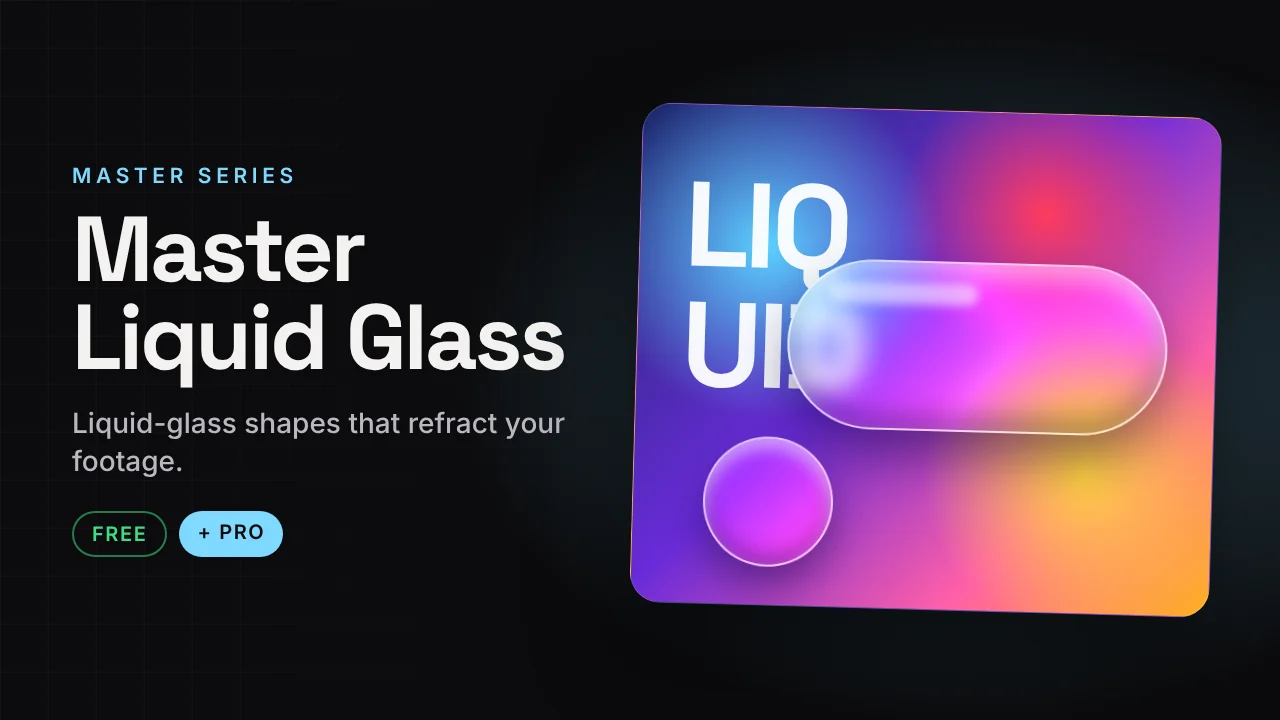
Master Liquid Glass
Liquid-glass shapes that refract your footage.
Draw a liquid-glass shape that bends the picture under it. Put it on an adjustment clip or any clip, pick a glass style and animate it.
v1.5 · Pro v1.01.8 MB · .zipDaVinci Resolve · 16:9 and 9:16
Free version Free
No account needed. Email is optional.
- 8 presets
- Clear, Frosted and Fluted glass
- Goo Merge, Morph and Drip liquid modes
- Pop, Stretch and Toggle animations
Master Liquid Glass Pro Free now
Launch offer: the Pro version is free right now. It is in the same download.
- 31 glass styles
- Neon Edge, Iridescent, Prism, Soap Bubble
- Ice, Etched, Pebbled, Rippled, Rain Glass textures
- Gradient Tint, Dark, Smoked Amber, Chrome
- Idle Wobble and Shine Sweep loops
How to install
Takes about a minute.
- Download and unzip. Inside is the .drfx installer and a how-to file.
- Open DaVinci Resolve, go to the Fusion page and drag the .drfx into the viewer.
- Restart Resolve.
- On the Edit page open Effects → Effects → Hariharan.Editor → Free Plugins → Master Liquid Glass. Drag it onto your clip.
Need help?
Tutorials and updates are on Instagram. For bugs, mail me with your Resolve version.