DaVinci Resolve Effect · Master Series
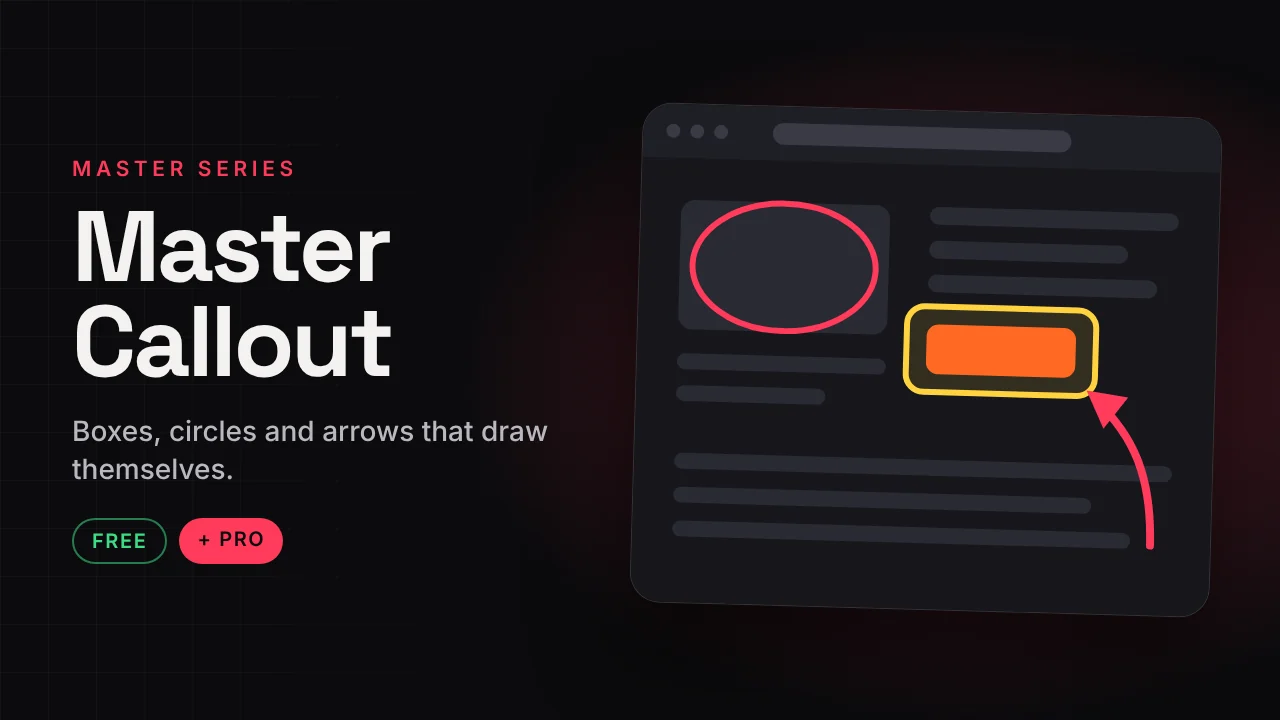
Master Callout
Boxes, circles and arrows that draw themselves.
The annotation effect for tutorials. Put a box, circle or arrow over the clip and choose how it comes in and goes out. Timing is in seconds, not frames.
v1.0 · Pro v1.0529 KB · .zipDaVinci Resolve
Free version Free
No account needed. Email is optional.
- Box, Circle and Arrow shapes
- Draw, Fade or Pop in and out
- Quick colours, fill and opacity
- Timing in seconds
Master Callout Pro Free now
Launch offer: the Pro version is free right now. It is in the same download.
- 6 looks: Map Route, Marching Ants, Neon Arrow, Red Box Pop, Spotlight, YouTube Circle
- Dashed and dotted lines, curved arrows, arrow head types
- Glow, shadow and dim-outside spotlight
- Loop effects: pulse, blink, nudge, marching ants
How to install
Takes about a minute.
- Download and unzip. Inside is the .drfx installer and a how-to file.
- Open DaVinci Resolve, go to the Fusion page and drag the .drfx into the viewer.
- Restart Resolve.
- On the Edit page open Effects → Effects → Hariharan.Editor → Free Plugins → Master Callout. Drag it onto your clip.
Need help?
Tutorials and updates are on Instagram. For bugs, mail me with your Resolve version.