DaVinci Resolve Effect · Master Series
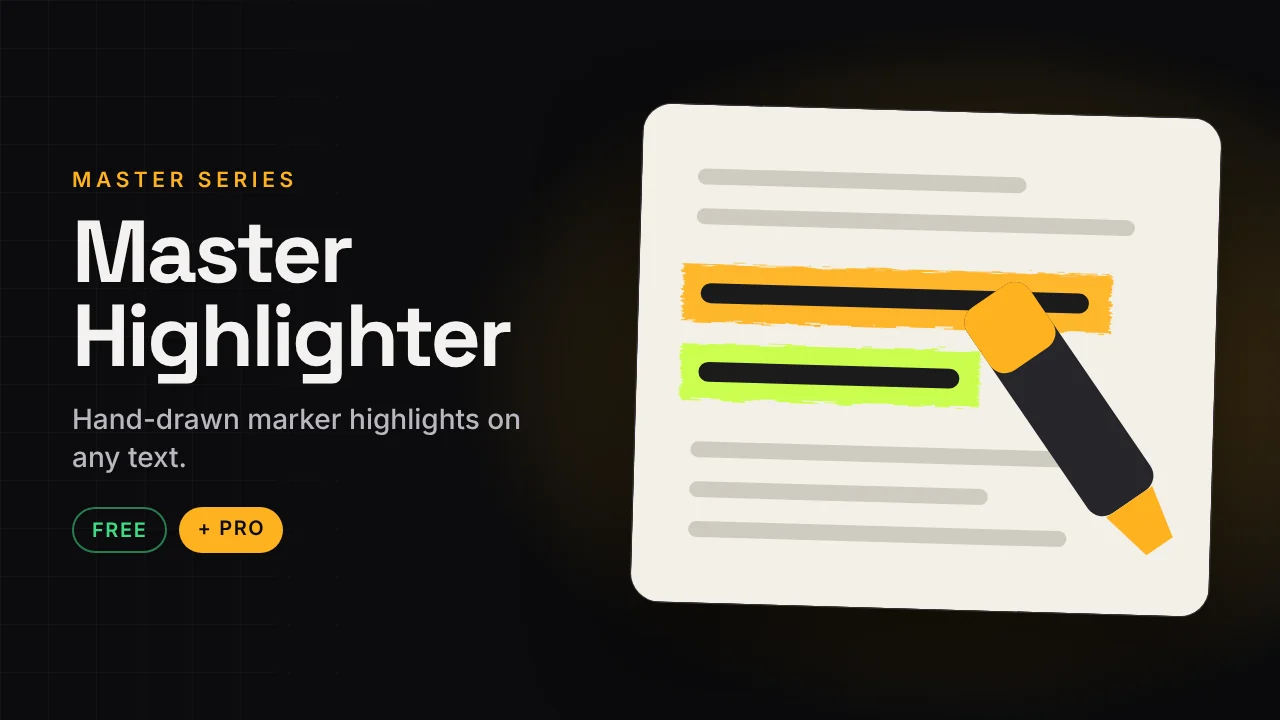
Master Highlighter
Hand-drawn marker highlights on any text.
Make any line of text pop like it was highlighted by hand. Works on documents, articles, screenshots, slides and tweets. No keyframes and no Fusion knowledge needed.
v1.1.19 KB · .zipDaVinci Resolve Free and Studio · Edit page drag and drop
Free version Free
No account needed. Email is optional.
- Draw-on and erase animation
- Any highlight colour
- 3 highlight modes
- Width and softness controls
- Smooth motion easing
Master Highlighter Pro Pro
Instant download after payment.
- 6 looks: Classic, Dry Brush, Neon Glow, Clean Minimal, Crayon, Sketchy Boil
- Real marker texture with rough edges and ink streaks
- Focus Mode dims everything except the highlighted line
- Tracking: follows position, angle and size on moving footage
- 3 tip styles, 3 draw directions, 3 erase styles
- Blend modes with Protect Dark Text
How to install
Takes about a minute.
- Download and unzip. Inside is the .drfx installer and a how-to file.
- Open DaVinci Resolve, go to the Fusion page and drag the .drfx into the viewer.
- Restart Resolve.
- On the Edit page open Effects → Effects → Hariharan.Editor → Free Plugins → Master Highlighter. Drag it onto your clip.
Need help?
Tutorials and updates are on Instagram. For bugs, mail me with your Resolve version.